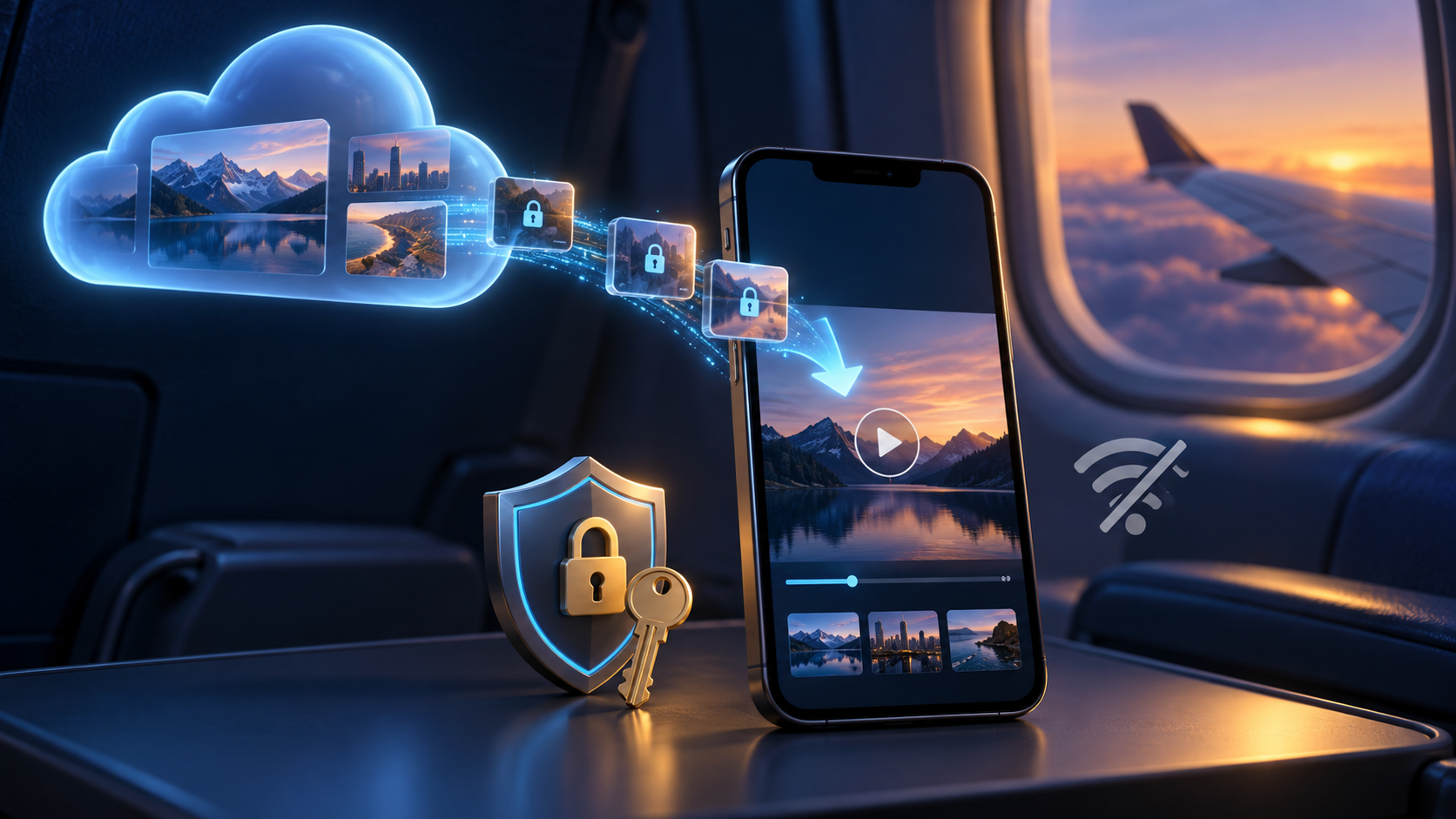
Offline Videos: A Practical Guide for Streaming Apps
A viewer downloads a series before a flight, sees a reassuring “ready” badge, and then gets a playback error after takeoff. That single failure explains why offline videos are more than a download button: the app must save the right media, preserve permission to play it, respect content rights, and behave clearly when the network disappears.
For streaming teams, offline viewing can make a service useful during commutes, travel, data-saving periods, and unreliable connectivity. It also introduces product, security, storage, analytics, and support decisions that normal streaming can hide.
What are offline videos?
Offline videos are video assets stored on a device so they can play without an active internet connection. In a streaming app, the stored media is usually encrypted and remains playable only inside that app while a valid offline licence and the viewer’s entitlement allow it.
That distinction matters. A downloaded MP4 in a user’s files is a portable file. An in-app download is normally an app-managed copy tied to an account, device, subscription, title availability, and licence policy. YouTube, for example, says its offline videos are stored encrypted and can only be watched in the YouTube app.
Offline viewing is also called *download to go*, *offline playback*, or *offline download*. These labels usually describe the same viewer outcome, although a platform’s exact rules vary.
Offline video is not the same as “save for later”
A watchlist stores a title reference. It still needs a network when the viewer presses play. An offline library stores enough media and playback authorization for the app to start without reaching the origin or CDN.
Nor is it simply a cache. A cache accelerates repeat playback and the operating system may evict it. A deliberate download has a user-visible lifecycle: queued, downloading, paused, completed, expiring, expired, renewed, or deleted.
Offline videos are not DVR recordings
People sometimes reach this topic while also searching for the DVR meaning. A digital video recorder, or DVR, records scheduled or live programming for later playback, traditionally on a set-top box or network service. Offline video in an on-demand app usually starts with an already-published title and saves an authorized copy to a phone or tablet.
The experiences can overlap—both let people time-shift viewing—but the content source, storage model, rights, and device flow differ. If your roadmap includes live or catch-up TV, define DVR and offline-download requirements separately.
How offline videos work in a streaming app
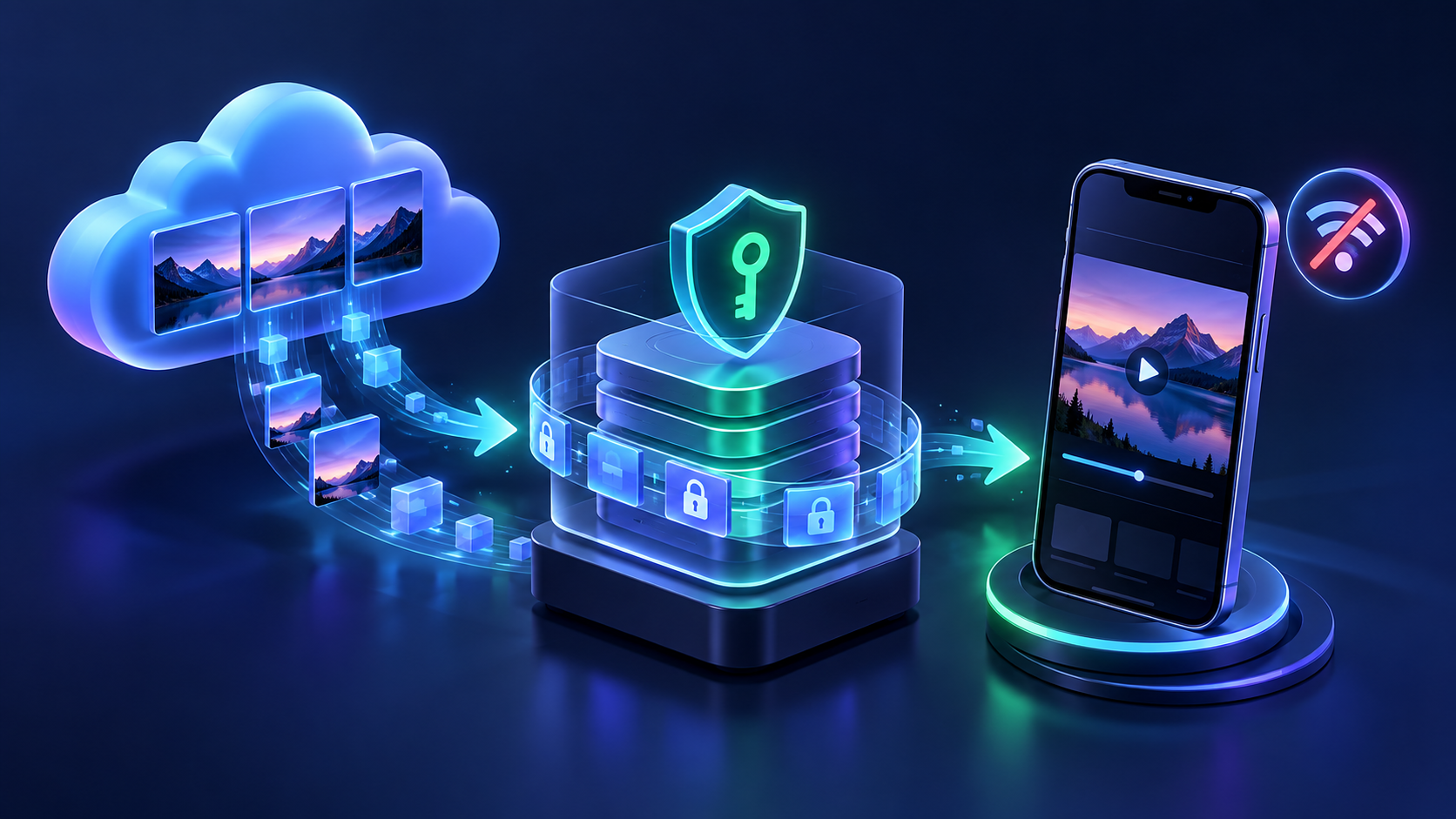
An offline viewing flow coordinates the catalog, entitlement service, packaging, DRM, app download manager, device storage, and player. At a high level, it works like this:
- Check eligibility. The app confirms that the title, territory, subscription tier, device, and user are allowed to download.
- Select tracks and quality. The viewer—or a default policy—chooses video quality, audio language, and subtitles.
- Download media. The app saves the selected segments to managed device storage and tracks progress in the background.
- Acquire offline authorization. For protected content, the app obtains a persistent DRM licence while it is online.
- Verify readiness. The app confirms that the required media and licence are present before showing “downloaded.”
- Play locally. The player reads the stored media and uses the stored licence when there is no network.
- Sync later. When connectivity returns, the app reports playback events, renews eligible licences, and applies catalog or account changes.
Android’s Media3 documentation reflects the operational side of this model: DownloadManager persists download state, applies requirements such as network connectivity, and writes media into a cache, while DownloadService allows work to continue in the background. It also warns apps to play through the library’s download cache instead of reading downloaded files directly.
Apple provides a native counterpart for HLS. Its AVFoundation documentation describes using AVAssetDownloadURLSession to persist streams for offline playback, including handling protected assets.
Why DRM and persistent licences matter for offline videos
Saving the media is only half the job. Premium video is commonly encrypted, so the player also needs keys and policy data that remain available after the network is gone.
The W3C Encrypted Media Extensions specification calls this a persistent-license session. Unlike a temporary session, it allows the content decryption module to persist a licence and load it again by its session ID. The specification also makes support for persistent licences optional, one reason browser offline support is less predictable than native-app support.
On Android, an app commonly uses Widevine for protected media; on Apple platforms, it commonly uses FairPlay Streaming. Google describes Widevine as a content-protection system based on standards including EME and Common Encryption, with licence requests processed through a licence service or proxy. Android’s Media3 API includes a helper that can download, renew, and release an offline Widevine licence.
The important product point is simple: “the bytes are on the device” does not mean “the title is playable.” Your completion state should mean both the selected media and valid offline authorization are ready.
Two clocks can govern one download
Many services use at least two time limits:
- a download or storage window, which limits how long an unplayed title can remain available;
- a playback window, which begins when viewing starts and can expire sooner.
Do not assume one industry-standard duration. Rights agreements and business rules determine the policy. As a real service example, Rakuten TV says a rental can be available for 30 days from the transaction and 48 hours from first playback. Your app should display the rule that actually applies to each title and avoid promising a generic “30 days” across the catalog.
Other policy controls may include device limits, concurrent download limits, minimum DRM security level, geographic rules at acquisition or renewal, subscription status, and restrictions on casting or external displays.
Designing offline videos viewers can trust
The best offline experience answers four questions before the viewer loses connectivity: Is the download complete? Will it play? How long will it remain available? How much storage will it use?
Make states explicit
Use distinct labels and actions for queued, downloading, paused, failed, downloaded, expiring soon, expired, and renewal required. A circular progress indicator alone is not enough; include the percentage or downloaded size when it helps, plus a clear retry action.
Test the honest definition of “complete” in airplane mode. If a licence request, subtitle file, audio track, or manifest is missing, the item is not ready.
Let viewers control quality and data use
Higher quality consumes more space and takes longer to download. Offer understandable choices such as Data Saver, Standard, and High, then show an estimated size before download. Avoid treating resolution alone as the estimate: bitrate, codec, frame rate, audio tracks, and duration all affect file size.
Include a Wi-Fi-only setting, but make the behavior clear. If cellular downloads are allowed, confirm the choice for large items instead of silently consuming a data plan. Google’s Android guidance allows download requirements to account for network type, charging state, and idle state, which can support sensible background policies.
Treat language and accessibility tracks as first-class
A viewer who selects Spanish audio and captions online should not discover that only the default English track was saved. Decide whether the download flow includes the active audio and subtitle tracks, asks the viewer to choose, or provides a post-download way to add tracks.
Also test captions, audio descriptions, playback speed, episode navigation, and resume position offline. Accessibility is part of the playback promise, not an optional network feature.
Build a useful offline library
An offline library should show title artwork, downloaded episodes, size, quality, expiry, and last playback position without relying on network images. Provide delete-one and delete-all controls, storage totals, and a route to device settings when space is low.
For series, let viewers download the next episode without accidentally saving an entire season. Smart downloads can be valuable, but they need an opt-in setting, a storage cap, and a plain explanation of when old episodes are removed.
Keep errors actionable
“Something went wrong” creates support tickets. Distinguish insufficient storage, network interruption, unavailable title, expired licence, unsupported device security, account mismatch, and download limit reached. When the fix requires connectivity, say so before the user enters airplane mode.
For a white-label service, these states need to be consistent across product surfaces. RentAnOTT can include offline downloads as an add-on alongside branded native apps, multi-DRM protection, and the CMS rules that control availability. That turns the feature into an operator-managed experience rather than an isolated player control.
Platform choices: native apps, web, and connected TV
Offline video fits native mobile apps best because iOS and Android provide managed download and protected-media APIs. Native apps can schedule background work, store app-private data, integrate DRM, report device storage, and recover interrupted downloads.
Web apps are possible in narrower cases, but browser storage and persistent DRM support vary. Because the EME standard makes persistent-licence support optional, a web implementation needs browser-by-browser validation. Browsers and operating systems may also reclaim site storage, so “downloaded” should not imply the same durability as a managed native-app asset.
Connected TVs are usually a low-priority target for offline downloads. They are commonly stationary, connected, and storage-constrained in ways the user cannot easily manage. Validate demand and device capabilities before expanding beyond phones and tablets.
| Product surface | Typical fit | Main consideration |
|---|---|---|
| Native iOS/iPadOS app | Strong | HLS download, FairPlay persistence, background behavior |
| Native Android app | Strong | Media3 download state, Widevine offline licence, device diversity |
| Web app | Conditional | Browser storage eviction and optional persistent-licence support |
| Smart TV app | Limited | Storage, device variation, and weaker viewer need |
Offline video security without sabotaging usability
Offline security is a policy system, not a claim that files can never be copied. Start by encrypting premium media, keeping it inside app-managed storage, using platform DRM, and enforcing the rights your licensors require. Then add controls in proportion to the content’s value and threat model.
Useful safeguards can include:
- blocking offline licences on rooted or jailbroken devices when rights require it;
- limiting authorized download devices per account;
- binding licences to the app and device security context;
- expiring or renewing licences according to entitlement;
- deleting local media when the user removes it or the account loses access;
- applying output, casting, screen-capture, or external-display restrictions where supported and contractually required;
- using forensic watermarking for high-value early-release content when the risk justifies it.
Avoid building a hostile experience around rare edge cases. A traveller should not have to authenticate at the moment of playback if the product promised true offline access. Acquire and verify everything needed while the connection is still available.
Analytics and operations when the viewer is offline
Playback events cannot reach your analytics service without a network. Queue them locally with stable event IDs and timestamps, then upload them when the app reconnects. Make ingestion idempotent so retries do not inflate starts, completions, or watch time.
Decide what should happen when the same account is active on several devices. Entitlement changes may not reach a device immediately, so the offline licence policy—not a live API call—must enforce the promised grace period and expiry behavior.
Operational dashboards should separate download acquisition failures from offline playback failures. Track at least:
- download starts, completions, cancellations, and retries;
- time to completion and bytes downloaded by quality;
- failures by app version, device model, OS, network, and DRM path;
- offline play starts and completion rate after sync;
- licence acquisition, renewal, expiry, and release failures;
- storage-related abandonment;
- support contacts tied to download states.
These signals show whether the feature is merely present or genuinely reliable.
A launch checklist for offline videos
Use this checklist before putting a download icon into production.
Rights and business rules
- Confirm which titles, territories, plans, and purchase types permit downloads.
- Define unplayed and started-playback windows per content class.
- Set device and simultaneous-download limits.
- Decide how cancellation, refund, account changes, and catalog removal affect saved titles.
- Document any security-level, casting, or output restrictions.
Media and app behavior
- Validate every supported codec, packaging format, audio track, and subtitle format offline.
- Acquire the offline licence before showing completion.
- Resume interrupted downloads without corrupting state.
- Support background downloading within platform rules.
- Calculate size estimates and enforce a safe free-space threshold.
- Preserve artwork, metadata, accessibility, and navigation without a network.
Failure and recovery testing
- Start, pause, resume, cancel, and delete on slow or changing networks.
- Force-close and restart the app during acquisition.
- Fill device storage mid-download.
- Change the device clock and cross licence-expiry boundaries.
- Sign out, switch accounts, cancel a subscription, and remove a title.
- Test airplane mode before first play and during playback.
- Upgrade the app and operating system with downloads already present.
- Verify analytics sync without duplicate events.
If offline playback is one requirement in a wider launch, connect this checklist to your streaming-service launch plan and decide which subscription model should include the feature.
Frequently asked questions
Can downloaded videos be watched without internet?
Yes, if the download completed and the app has stored any required offline licence, media tracks, and metadata. Some services still require periodic reconnection to renew rights or confirm entitlement.
Why do offline videos expire?
Streaming downloads often expire because the content licence limits how long the app may store or play them. The window can also reflect subscription status, rental terms, territory, device limits, or a title leaving the catalog.
Do offline videos use mobile data during playback?
A complete local download should not use mobile data to fetch the video during offline playback. The app may use data when online to refresh licences, sync watch history, retrieve updated metadata, or download missing tracks.
Where are offline videos stored?
In streaming apps, downloads are normally kept in app-managed device storage rather than the photo gallery. The media may be encrypted and tied to the app, account, and device, so it cannot be opened like a normal video file.
Can a web streaming app support offline videos?
Sometimes, but support is less consistent than in native apps. Browser storage can be reclaimed, and persistent DRM licences are not uniformly supported, so teams should validate each target browser and avoid promising native-app reliability by default.
How much storage do offline videos need?
Storage depends on duration, bitrate, codec, resolution, frame rate, and the selected audio and subtitle tracks. Show an estimate for the exact rendition before download and give viewers quality controls plus an easy way to delete saved titles.
Conclusion
Offline videos succeed when viewers can trust them before the signal disappears. That requires a complete media download, a valid persistent licence, clear expiry and storage information, resilient background behavior, and testing that starts in airplane mode—not just on office Wi-Fi.
Before choosing a player SDK or platform add-on, write down your title eligibility, licence windows, device limits, quality choices, language-track behavior, and failure states. Use the launch checklist to turn those policies into acceptance tests, then evaluate the feature on the oldest devices and weakest networks you intend to support.